

The best AI tools for students are the free ones: a chatbot like ChatGPT or Gemini to explain topics, Gemini Notebook (formerly NotebookLM) to turn your notes into quizzes, and Perplexity to find sourced answers. Add one free AI course with a certificate and you get a real skill plus proof of it, without spending anything.
Start here:
- Pick one tool and one course. Not five of each.
- Study 20 minutes a day for 30 days. Same time, same place.
- Use AI to explain and quiz you, never to write your answers.
- Finish with proof: a certificate plus one small project you can show.
Why Most Zero-Budget Students Fail With AI Tools for Students

The real problem isn’t access. Free AI is everywhere. The problem is that most of us treat it like a vending machine: type, copy, paste, forget.
I’ve written about self-improvement for over 15 years, and every new trend follows the same cycle. People get excited, collect resources, and quit by week two. AI is no different.
A student I mentored (I’ll call him Rohan) once showed me his phone: dozens of bookmarked “best AI tools” posts, six half-started courses, zero finished projects. No laptop, no mentor, and a family that saw his phone time as wasted time. He wasn’t lazy. He was collecting instead of practising.
I’ve done the same. One week I saved 30 free courses and finished none.
Why does this keep happening?
- Saving feels like progress. A bookmark gives you a small win, so the real work feels less urgent.
- Too many choices. With fifty options, starting nothing is the easiest decision.
- No deadline, no feedback. Without a class or mentor, nobody notices when you stop.
- Distraction is one swipe away. Your course tab and your Reels feed live on the same screen.
What Doesn’t Work (Myths and Common Mistakes)
Four myths worth dropping
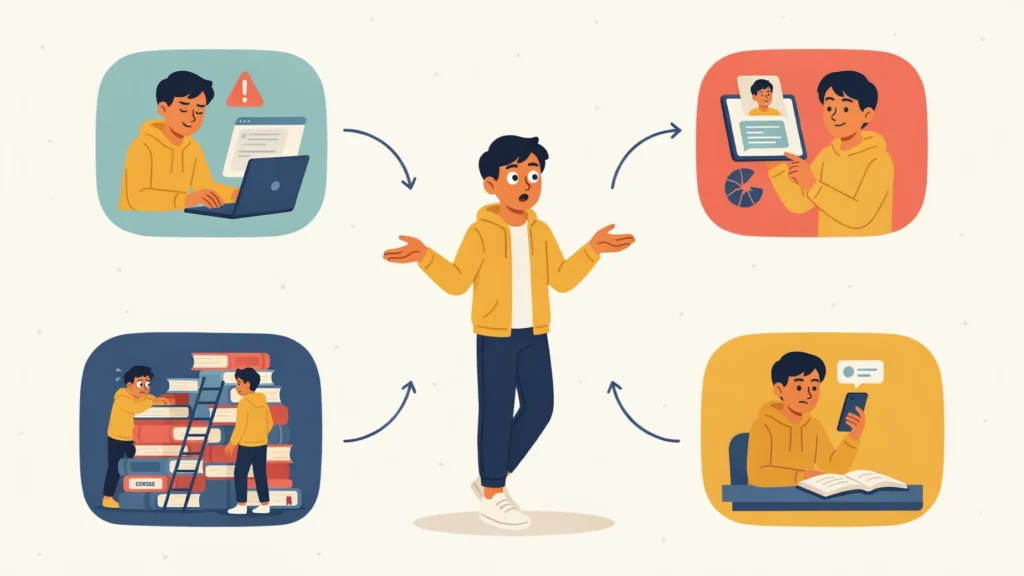
- “A certificate gets me a job.” Not alone. A certificate opens the door to a conversation; a small project you built keeps it open.
- “Paid courses are better.” For beginners, free courses from universities and big tech companies cover the same basics.
- “I need to learn coding first.” You don’t. Using AI well starts with clear thinking and clear writing.
- “AI will do my assignments, so I can skip learning.” Exams are still on paper, and a teacher can spot work you can’t explain.
Mistakes I see (and made) again and again
- Collecting tools instead of using one.
- Copy-pasting answers. If the AI did the thinking, your brain skipped the workout.
- Trusting everything it says. AI tools can state wrong facts with full confidence. Always check against your textbook.
- Starting with the hardest course. Hard courses get abandoned on day three.
- Studying at midnight on 5% battery. Tired sessions don’t stick.
The Free AI Tools for Students I Actually Use
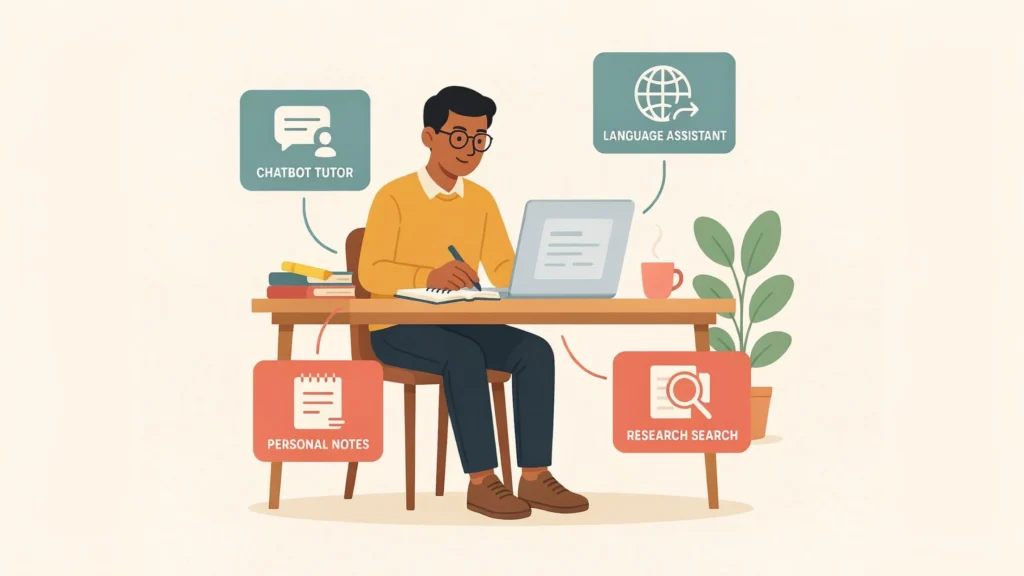
I’ve tested dozens. Most lasted a week. These four stayed because each solves one clear problem, and all of them run on a phone.
| Tool | Best for | Free-plan catch |
| ChatGPT (Study mode) | Step-by-step tutoring and practice questions | Daily message and upload limits |
| Google Gemini | Plain-language explanations and language help | Limits can change, so check what’s included |
| Gemini Notebook (formerly NotebookLM) | Quizzes and flashcards from your own notes | Daily caps on chats and quizzes |
| Perplexity | Research with clickable sources | Usage caps on the free plan |
Google renamed NotebookLM to Gemini Notebook in July 2026, so older articles still use the old name.
Here’s how I use them:
- Exam week: Upload your class notes to Gemini Notebook, ask for 10 questions, and answer from memory before checking.
- Stuck on a concept: Switch on ChatGPT’s Study mode (Tools, then Study and learn). It asks you questions instead of handing over answers.
- Assignment research: Find sources with Perplexity, then open and read them yourself. Never cite the AI summary.
Rohan did all of this on a borrowed phone in 20-minute blocks. Tools were never his bottleneck. Routine was.
7 Free AI Courses With Certificate Worth Your Time

“Free certificate” often means free to learn, paid to certify. I only listed courses where the certificate or credential cost nothing when I checked in October 2026. Platforms change, so confirm before you start.
- Elements of AI (University of Helsinki and MinnaLearn): about 30 hours, no maths or coding, free certificate. Best for complete beginners.
- YUVA AI for ALL (Government of India): 4.5 hours, free, with an official government certificate. The fastest win if you’re in India.
- AI Fluency: Framework & Foundations (Anthropic): 3 to 4 hours, free, certificate after a final assessment. It teaches you to work with AI and check its output. Anthropic builds AI models, so treat it as one viewpoint.
- Google Skills: Generative AI Fundamentals: three short courses, the first about 45 minutes. You earn a free digital badge, not a PDF certificate.
- Kaggle Learn: micro-courses of 3 to 4 hours with free certificates. Intro to Machine Learning needs basic Python.
- IBM SkillsBuild: free AI courses, including prompt writing, with IBM digital credentials.
- CS50’s Introduction to AI with Python (Harvard): free through OpenCourseWare with a free CS50 certificate. It isn’t accredited, and you need Python first.
Pick by time, not prestige. Elements of AI is roughly three months at 20 minutes a day. Start with something under five hours (options 2, 3 or 4). Finishing one small course builds the habit that finishes the big ones.
A certificate alone won’t impress anyone. Pair it with one small project, which is why the plan below ends with one.
ChatGPT Prompts for Students That Make You Think

My rule: a good prompt makes you produce something before the AI does. Copy these, swap the brackets, and use them in any chatbot.
- Explain it simply: “Explain [topic] like I’m 14. Use one example from everyday life in my city. Then ask me three questions to check I understood.”
- Quiz me: “Quiz me on [chapter], one question at a time. Wait for my answer, then tell me what I got wrong and why.”
- Feedback, not rewriting: “Here’s my paragraph. Don’t rewrite it. Point out the three weakest sentences and explain why.”
- Check the AI: “List the claims in your last answer that I should verify, and where I could check each one.”
Psychologists call the pattern behind prompts 1 and 2 retrieval practice: pulling an answer out of memory strengthens it far more than rereading notes. The AI becomes a sparring partner, not a ghostwriter.
Your 30-Day Plan: AI Tools for Students in 20 Minutes a Day
- Days 1-2, choose. One tool, one course under five hours. Write both on paper, close every other tab, and ignore the bookmark pile.
- Days 3-10, start small. Study 20 minutes at a fixed time, like right after dinner. Keep your phone in another room (here’s how to stop phone distractions while studying). Aim to finish the first third of the course.
- Days 11-20, apply daily. After each lesson, use prompt 2 to quiz yourself on it. Note one thing the AI got wrong or vague.
- Days 21-27, finish. Complete the course, pass the final quiz, and download your certificate or badge.
- Days 28-30, build proof. Make a 20-question quiz set for your hardest subject in Gemini Notebook. Save it with a short note on what the AI got wrong, and add your certificate to LinkedIn or a simple portfolio.
Realistic result at day 30: one finished course, one working habit, one piece of proof. Not a job offer. A start.
What to Do When Motivation Disappears (or You Fail)

Motivation won’t show up on schedule. Mine doesn’t either. Discipline is mostly design: make the next step so small that low energy can’t block it.
I broke my own streak on day 19 once, thanks to a family function. I felt like a fraud, restarted from day one, and quit a week later. The restart was the mistake, not the missed days.
Here’s what I do now:
- Shrink it. On bad days, do five minutes. A tiny session keeps the habit alive, and the habit is the real asset.
- Never miss twice. One missed day is noise. Two starts a new pattern.
- Resume, don’t restart. Reopen the course where you stopped and do ten minutes. No speech, no guilt.
- Make the first step easy. Pin the course to your phone’s home screen so it takes one tap.
- Check the cause. Is the course too hard, the time slot wrong, or the phone too close? Fix that, not your “willpower.” For more on this, see my guide to building a study habit with no money.
How to Keep Going Past Day 30
The students who still use AI well a year later do three simple things:
- One course per quarter, one project each. Beginner basics first, then something tied to your own field.
- A mistakes log. Write down every time an AI tool was wrong. It trains your judgment, which matters more than any tool.
- Zero spending until it blocks real work. Free tiers are enough for most students. Upgrade only when a limit stops something you actually need.
AI tools for students will keep changing. Gemini Notebook was NotebookLM a few months ago. The habit of learning on a schedule is the part that transfers.
FAQ
Which AI tools for students are completely free?
ChatGPT, Google Gemini, Gemini Notebook and Perplexity all have free plans. Each has daily limits, so treat the free tier as enough for studying, not unlimited use. Limits change often, so check them before you rely on one.
Are free AI courses with certificate worth it?
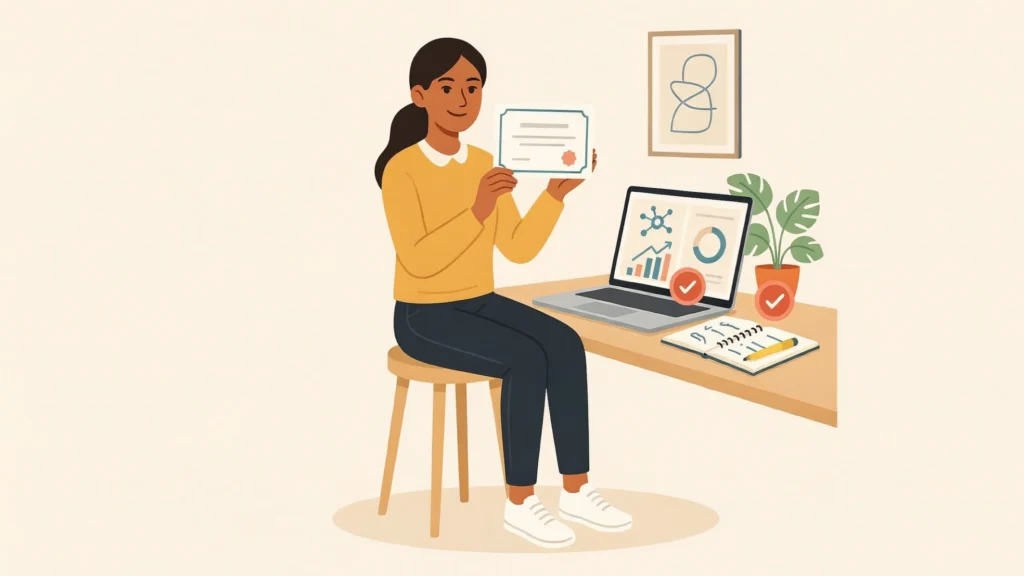
Yes, as a starting point, if you finish them and show something you built. A certificate proves you completed a course; a project proves you can use it. Also check whether the “certificate” is really a badge, or costs money.
Do I need coding skills to start learning AI?
No. Elements of AI, YUVA AI for ALL and AI Fluency need no coding. Kaggle’s machine learning courses and CS50 AI do require basic Python.
Is using ChatGPT for homework cheating?
Explaining a topic, quizzing you or critiquing your draft is very different from submitting its writing as yours. Rules vary by school, so read yours and ask your teacher when unsure.
How long does it take to learn the basics of AI?
At 20 minutes a day, a four-hour course takes about two weeks. A longer one like Elements of AI takes around three months. Steady beats fast.
Summary and Your 10-Minute Challenge
The best AI tools for students are the ones you open daily. Pick one tool and one short course. Use AI to explain, quiz and critique, not to write for you. Keep proof of what you finish. The course gives you structure; the daily 20 minutes gives you the skill.
If a day goes wrong, do five minutes and carry on. Consistency beats intensity every time.
Tonight’s challenge (free, 10 minutes):
- Pick your toughest subject.
- Paste prompt 2 into a free chatbot and answer five questions.
- Write down the one course from the list you’ll start tomorrow.