

Learn how to stop phone addiction without deleting apps using simple habits, focus systems, and practical routines that help you control screen time.
To cut down on phone addiction, notice when and how you use your apps. Changing your environment and daily habits is often the most effective approach.

Key actions that work immediately:
- Move distracting apps off your home screen. This makes you less likely to open them automatically.
- Disable non-essential notifications from apps like Instagram and YouTube.
- Set specific time windows for social media use instead of random checking.
- Track daily screen time using built-in tools like Digital Wellbeing or Apple Screen Time.
- Replace idle scrolling with small, productive activities, such as reading or taking a short exercise break.
The objective is not to eliminate your phone but to use it intentionally rather than habitually.
Understanding the Real Problem Behind Phone Addiction
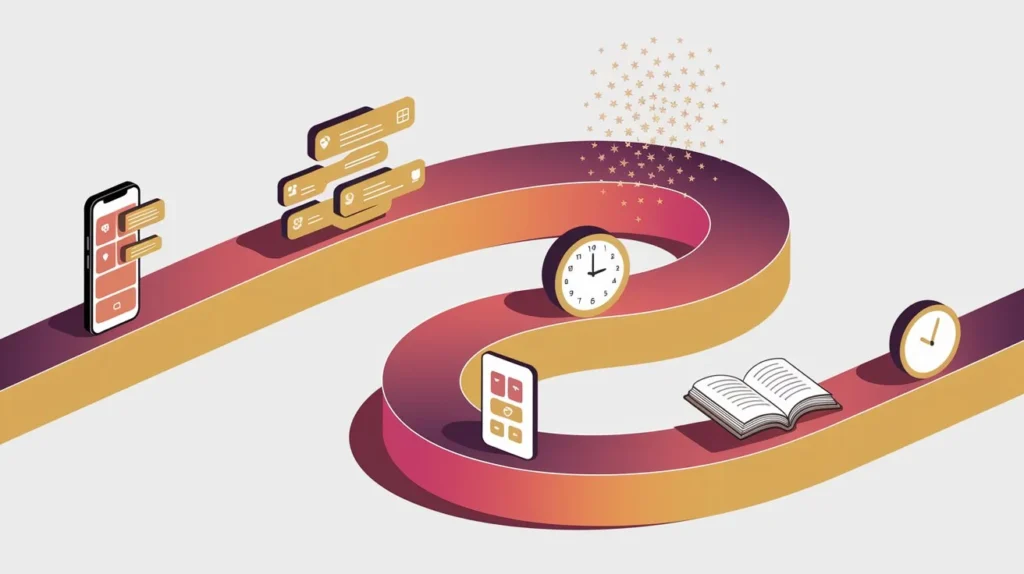
Phone addiction is often misunderstood as a simple lack of discipline. In reality, it is largely driven by habit loops and app design.
Modern platforms such as:
- TikTok
- YouTube
are built around features like infinite scrolling, notifications, and algorithm-driven feeds. These features stimulate the brain’s reward system, releasing Dopamine, which reinforces repeated behavior.
As a result, many people unlock their phones automatically without conscious intent.
Why Many Young People Struggle With Phone Control
For students and young professionals with limited resources or guidance, smartphones become the primary source of entertainment, information, and social connection.
Common reasons phone usage becomes excessive include:
- Boredom during unstructured time
- Escaping stress or academic pressure
- Habitual checking of messages and notifications
- Lack of structured routines
Without intentional boundaries, casual usage easily turns into hours of unplanned screen time.
Common Approaches That Do Not Work
Many individuals attempt quick solutions that rarely produce lasting results.
Deleting Apps Completely
Removing apps can work temporarily, but many people reinstall them within days because the underlying habit remains unchanged.
Relying Only on Willpower
Self-control alone is unreliable in the long term. Sustainable change requires systems and environmental adjustments.
Over-dependence on Productivity Apps
Applications such as:
- Forest
- Freedom
can help limit distractions, but they are support tools rather than complete solutions.
Why Phones Are So Difficult to Put Down
Three psychological mechanisms contribute to persistent phone use.
Infinite Content
Social platforms continuously load new content, removing natural stopping points.
Variable Rewards
Users occasionally encounter highly engaging posts among ordinary ones, which keeps them scrolling in anticipation of the next reward.
Social Feedback Loops
Notifications, likes, and messages from platforms such as WhatsApp create a constant expectation of interaction.
Practical Strategies to Reduce Phone Addiction
The key is to add friction to impulsive behavior while keeping needed access.
1. Remove Distracting Apps From the Home Screen
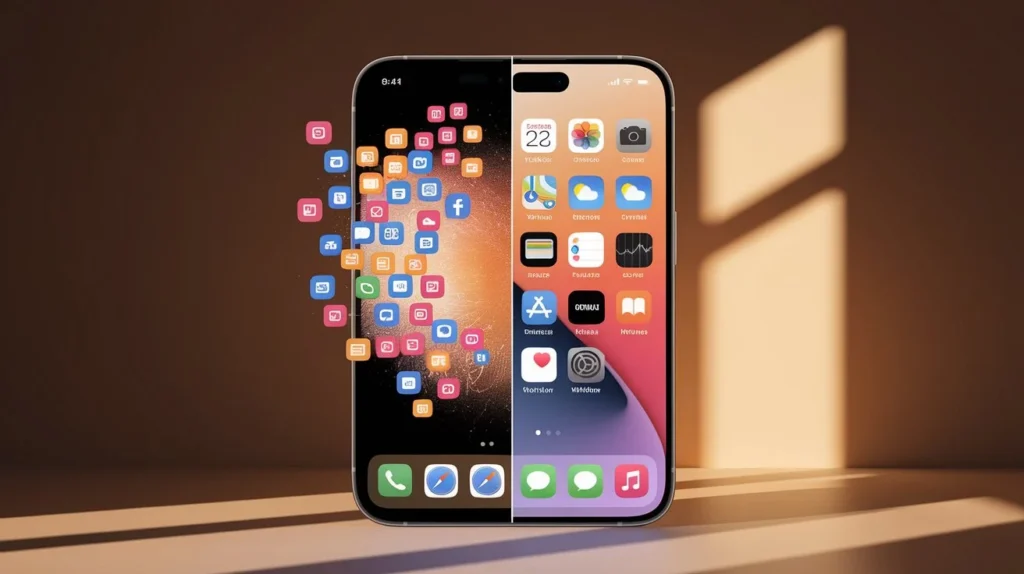
Your home screen should contain only essential utilities.
Recommended layout:
Primary Screen
- Calendar
- Notes
- Calculator
- Productivity tools
Secondary Screen / Folder
- Social media apps
- Entertainment apps
This small change disrupts the automatic habit of opening social platforms immediately after unlocking the phone.

2. Disable Non-Essential Notifications
Notifications are one of the strongest triggers for compulsive phone checking.
Turn off alerts for:
- Social media
- Shopping apps
- News alerts
Keep notifications only for essential communication, such as calls or urgent messages.
3. Schedule Specific App Usage Windows
Rather than checking apps throughout the day, designate specific time blocks.
Example:
| Time | Allowed Usage |
| 12:30 PM | Social media check |
| 6:00 PM | Messages and updates |
| 9:30 PM | Entertainment content |
Outside these windows, avoid opening those apps.
4. Monitor Screen Time Regularly
Awareness is a powerful behavior change tool.
Use built-in tracking features such as:
- Digital Wellbeing
- Apple Screen Time
Track daily averages and aim for gradual reductions rather than sudden, drastic cuts.
Example progression:
| Week | Target Screen Time |
| Week 1 | 7 hours |
| Week 2 | 6 hours |
| Week 3 | 5 hours |
| Week 4 | 4 hours |
5. Replace Idle Scrolling With Constructive Habits

Reducing phone time without introducing alternative activities often leads to relapse.
Consider replacing scrolling with:
- Reading for 10 minutes
- A short walk
- Light exercise
- Journaling
These activities help break the automatic scrolling routine.
A Simple 30-Day Phone Discipline Plan
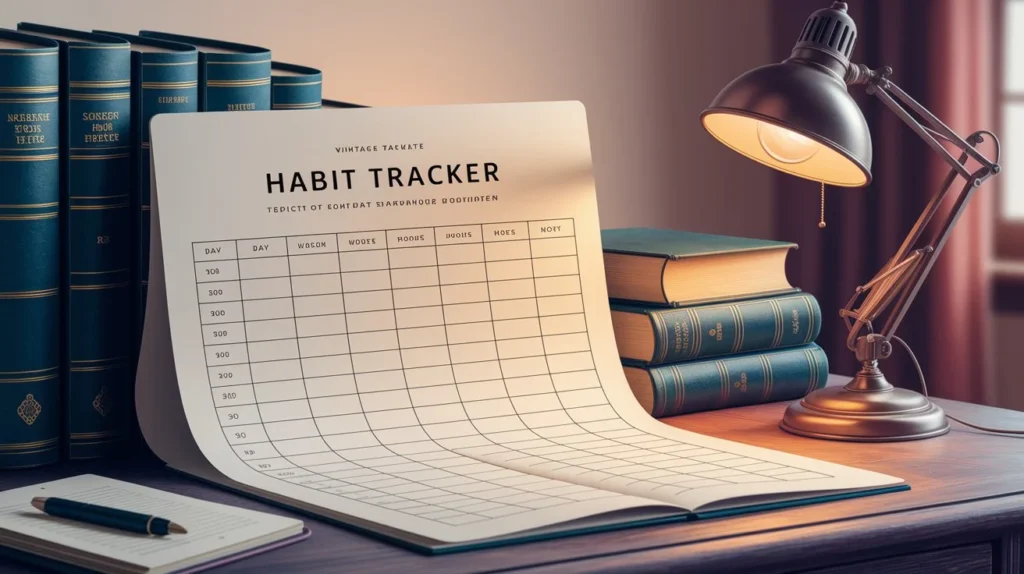
Example format:
| Day | Screen Time | Phone-Free Hours | Notes |
| Day 1 | 7h | 1h | Awareness stage |
| Day 10 | 6h | 2h | Fewer impulsive checks |
| Day 20 | 5h | 3h | Improved focus |
| Day 30 | 4h | 4–5h | Habit stabilization |
Tracking progress helps maintain consistency.
What to Do When You Relapse
Temporary setbacks are normal when changing long-standing habits.
Instead of viewing relapse as failure, analyze the situation:
- What triggered the excessive phone use?
- Was it boredom, stress, or avoidance?
Once the trigger is identified, adjust the environment.
Example:
If late-night scrolling is common, charge the phone away from your bed.
Small adjustments can significantly reduce future relapse.
Building a Sustainable Long-Term Relationship With Your Phone
The goal is not a strict restriction but intentional usage.
Over time, increased awareness leads to:
- Reduced impulsive phone checks
- Improved concentration
- More control over daily routines
When the phone becomes a tool rather than a distraction, productivity and mental clarity improve naturally.
Frequently Ask Questions
How many hours of phone use is considered excessive?
Daily usage exceeding 6–7 hours often indicates overuse, though healthy limits vary based on professional or academic requirements.
Can phone addiction be reduced without deleting apps?
Yes. Adjusting notifications, screen layout, and usage schedules can significantly reduce dependency.
Why do people check their phones repeatedly?
Repeated checking is linked to reward expectations triggered by Dopamine responses in the brain.
How long does it take to reduce phone dependency?
Consistent behavioral adjustments typically show noticeable improvement within two to four weeks.
Does grayscale mode help reduce screen addiction?
Yes. Removing color stimulation can make apps less visually engaging, reducing prolonged scrolling.
Practical Summary
Reducing phone addiction does not require removing apps entirely. The most effective approach is to:
- Limit notifications
- Adjust app placement
- Establish structured usage times.
- Monitor screen time regularly.
- Replace idle scrolling with constructive activities.
Consistent application of these steps gradually shifts your relationship with technology from reactive use to intentional use.
Immediate Action Challenge
For the next 24 hours, implement two simple changes:
- Move all social media apps off your home screen.
- Disable non-essential notifications.
Observe how often you instinctively reach for your phone. Awareness is the first step toward building lasting digital discipline.



Pingback: Breaking Laziness: A Simple Discipline System for Youth - Hustle with Javed