

Here’s how to stop scrolling on your phone: stop relying on willpower and change the setup instead. Make scrolling slightly annoying and make the alternative easy. Start with these three fixes today:
- Silence every notification except calls, texts and real people.
- Move social apps off your home screen and log out after each session.
- Charge your phone across the room so the last and first scroll of the day disappear.
The Real Problem: Scrolling Is a Loop, Not a Character Flaw
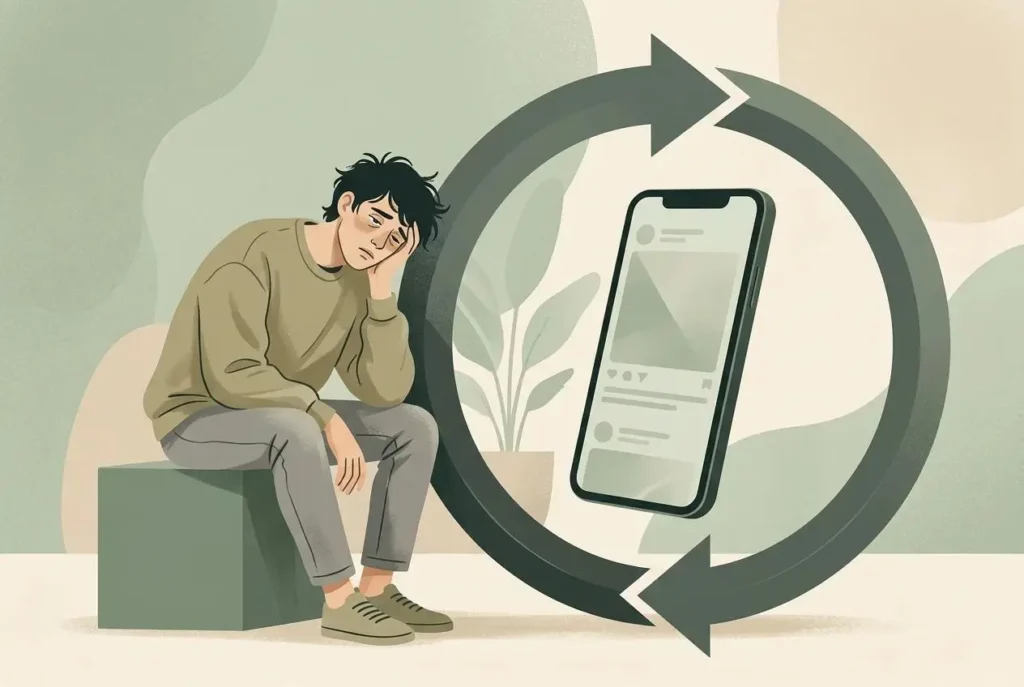
For years I blamed myself. I’d open Instagram “for two minutes” and look up at 1 a.m., wondering what was wrong with me. Nothing was. The app was doing exactly what it was built to do.
Scrolling runs on a simple habit loop:
- Cue: boredom, a buzz, an awkward silence, or just picking up the phone.
- Action: your thumb opens the app without a decision.
- Reward: something new appears, sometimes funny, sometimes useless, never predictable.
That unpredictability is the hook. It works on the same principle as a slot machine: your brain keeps pulling the lever to see what comes next.
So the problem isn’t laziness. It’s a loop with constant cues, almost no effort and an instant payoff. To break it, you attack all three: remove cues, add effort, swap the reward.
Why Most Zero-Budget Youth Fail at This
Most advice assumes you have spare money, privacy or free time. Plenty of us don’t. These are the patterns I see again and again:
- No money for tools : Paid blocker apps are off the table, so people assume nothing else will work. Built-in settings already do most of the job.
- No mentor : Nobody shows you what a healthy phone habit looks like, so you copy your friends.
- Family and social pressure : Group chats, school updates and “why didn’t you reply?” make a full detox unrealistic.
- No free outlet for boredom : Hobbies cost money, and the phone is always there.
- All-or-nothing thinking : One slip at 11 p.m. becomes “I’ve ruined it,” and the whole plan gets dropped.
What Doesn’t Work (Four Myths Worth Dropping)
“Just delete the apps.” You’ll reinstall them within days, or open the same feed in your browser. Deleting treats the symptom, not the loop.
“Willpower will get me there.” Willpower runs lowest when you’re tired or bored, which is exactly when you scroll.
“I need a 30-day detox.” Extreme plans break the first time life gets messy. Small and boring beats dramatic.
“I need a paid blocker app.” They help some people, but built-in phone settings cover most of what you need, and you’ll still be using them in six months.
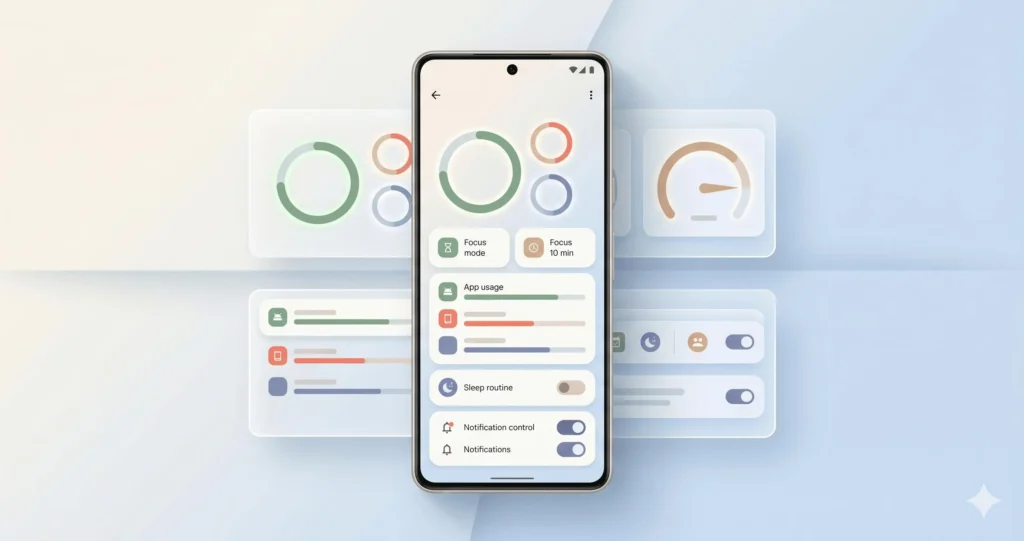
How to Stop Scrolling on Your Phone: The 5-Step Free System
Step 1: Cut the cues
Go to Settings > Notifications (iPhone and Android). Switch off badges and banners for social, games, shopping and news. Keep calls, texts and maps. Every buzz you remove is one less cue to start the loop.
Step 2: Add friction
Move social apps into a folder on your last home screen page, and log out after each use. Typing a password takes ten seconds, which is long enough to ask “do I actually want this?”
Then set a daily limit. On iPhone, use Screen Time (Settings > Screen Time > App Limits). On Android, use Digital Wellbeing (Settings > Digital Wellbeing & parental controls > app timers). Start with 45 minutes for social apps. You can tap past the limit, but that tap is the pause you were missing.
Step 3: Drain the color
On iPhone, go to Settings > Accessibility > Display & Text Size > Color Filters and choose Grayscale. On Android, Bedtime mode can turn the screen grayscale on a schedule. A black-and-white feed is much less rewarding, and many people feel the difference within a day or two.
Step 4: Replace the habit
You can’t leave a gap where the scroll used to be. Pick one replacement for each cue:
- Bored on the bus: read a free e-book through your library card.
- Stuck on homework: stand up, drink water, do ten squats.
- Waiting in a queue: write tomorrow’s top three tasks in your notes app.
Write it as an if-then rule: “When I feel the urge to scroll, I will do X for two minutes.”
Step 5: Review weekly
Every Sunday, check your Screen Time or Digital Wellbeing report. Find the single app that eats the most time and tighten only that one. One change a week is plenty.
How to Stop Doomscrolling at Night

Night is the hardest window. You’re tired, willpower is low and the bed is right there. My worst habit was “one last check” that turned into 90 minutes of bad news and strangers’ opinions. What fixed it was moving the phone, not trying harder.
- Pick a charging spot outside arm’s reach : A kitchen counter or a shelf across the room works. If your phone is your alarm, getting up to switch it off is a bonus.
- Set a wind-down time : The NHS advises staying off phones, tablets and computers for an hour before bed. Use Downtime on iPhone or Bedtime mode on Android to silence and dim the screen at a fixed hour.
- Dump tomorrow’s worries on paper : Two minutes of writing stops your brain replaying tasks while you lie there.
- If you can’t sleep, get up : The same NHS page suggests getting out of bed after about 20 minutes and doing something calm. Read a few pages or stretch. Don’t reach for your phone.
If evenings are chaotic at home, start smaller with one fixed charging spot. See my guide to a simple evening routine on zero budget for more ideas.

How to Reduce Screen Time: A Realistic 4-Week Timeline
If you want to know how to reduce screen time without burning out, think in weeks, not days. Habits settle at different speeds, so treat this as a guide, not a deadline.
| Week | Focus | What progress looks like |
| 1 | Notifications off, charging spot set | Fewer pickups, though scrolling still happens |
| 2 | Folders, log-outs, app limit | You notice a pause before opening apps |
| 3 | Grayscale and one replacement habit | Urges feel weaker and the replacement feels less forced |
| 4 | Weekly review, tighten one app | A lower average you could keep up for months |
Judge yourself by the weekly average in your Screen Time or Digital Wellbeing report, not by one bad day. A modest, steady drop beats a dramatic one that you abandon.
Common Mistakes That Quietly Undo Your Progress
- Changing everything at once : You’ll quit by day four. Add one step at a time.
- Keeping the phone by the bed “just for the alarm” : That is the doomscrolling setup.
- Swapping one feed for another : Moving from Instagram to YouTube Shorts is the same loop with a new logo.
- Setting limits you immediately disable : A limit you always switch off is decoration.
- Skipping the replacement habit : Friction alone leaves a gap, and scrolling refills it.
What to Do When You Fail (or Motivation Disappears)
You will have a bad night. I still do. What matters is the next action, not the slip, because one lost evening turns into a lost month only if you quit.
- Don’t restart the plan : Pick up at the next step, today.
- Name the cue : Were you tired, bored, anxious or avoiding a task? Fix that trigger, not your character.
- Shrink the habit : On low-energy days, do only the minimum: the phone charges across the room. That counts.
- Let the system carry you : Motivation comes and goes, but notification settings and app limits keep working while you don’t.
A Long-Term Plan That Doesn’t Rely on Willpower
The goal is a phone setup you barely have to think about.
- Do a 10-minute monthly reset : Delete apps you opened out of boredom, and re-check which ones can send notifications.
- Keep the friction permanent : The charging spot and quiet notifications are defaults now, not a project.
- Protect one phone-free block daily : Meals or the first 30 minutes after waking are easy places to start.
- Track it with a pen : A paper calendar and a cross for each good day is enough. Or try a free habit tracker layout.
Summary and Your 5-Minute Challenge
Knowing how to stop scrolling on your phone comes down to a few repeatable moves. Scrolling is a habit loop, so remove the cues, add friction, and give your hands a replacement. Your phone’s built-in settings do the heavy lifting, and a few weeks of small changes will beat any dramatic detox.
Try this right now:
- Open Settings > Notifications and turn off alerts for the one app that pulls you in most.
- Tonight, plug your phone in across the room.
That’s the whole challenge. Do it again tomorrow. Consistency beats intensity.
FAQ
What is the fastest way to stop scrolling on your phone?
Turn off notifications for your most-used app and log out of it. Both take under two minutes and add friction right away.
How long does it take to break a scrolling habit?
There’s no fixed number. Expect a few weeks of noticeable effort, with slips along the way. That’s normal and doesn’t reset your progress.
Do I need a paid blocker app?
No. Screen Time on iPhone and Digital Wellbeing on Android cover app limits, scheduled downtime and bedtime settings for free.
How do I stop doomscrolling at night if my phone is my alarm?
Charge it across the room and set the alarm there. Getting out of bed to switch it off breaks the habit of reaching for it in bed.
Can I reduce screen time if my friends and family expect fast replies?
Yes. Keep calls and messaging notifications on, silence everything else, and reply in short batches a few times a day.